
Xposed Installer
Tools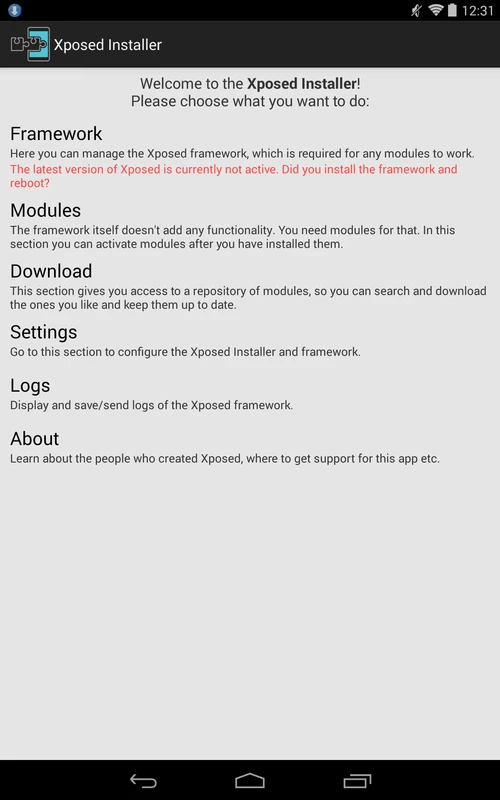
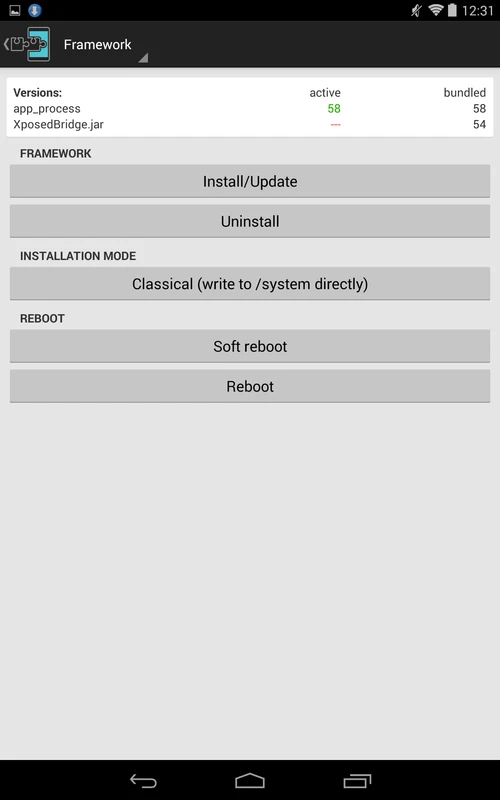
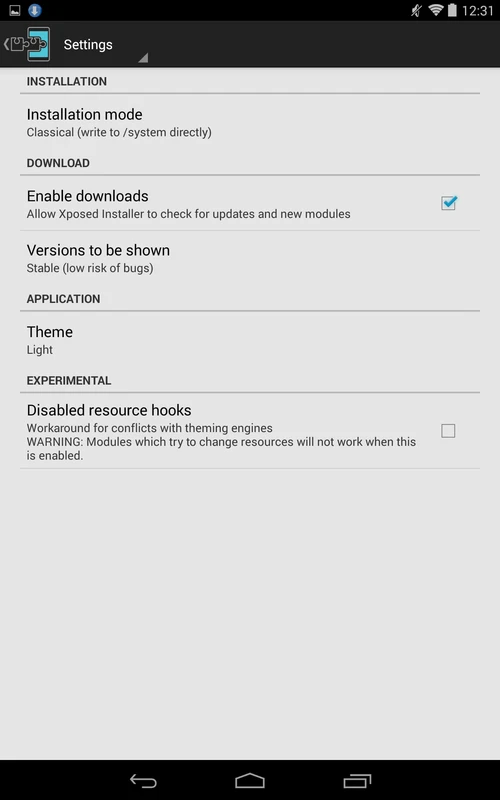
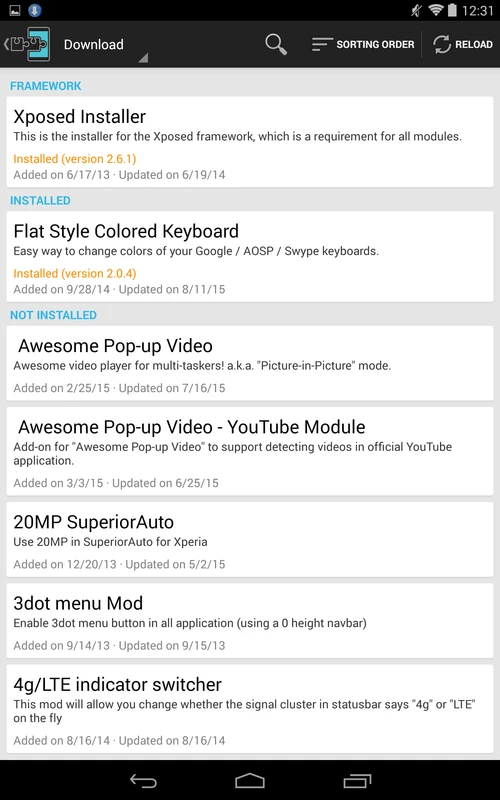
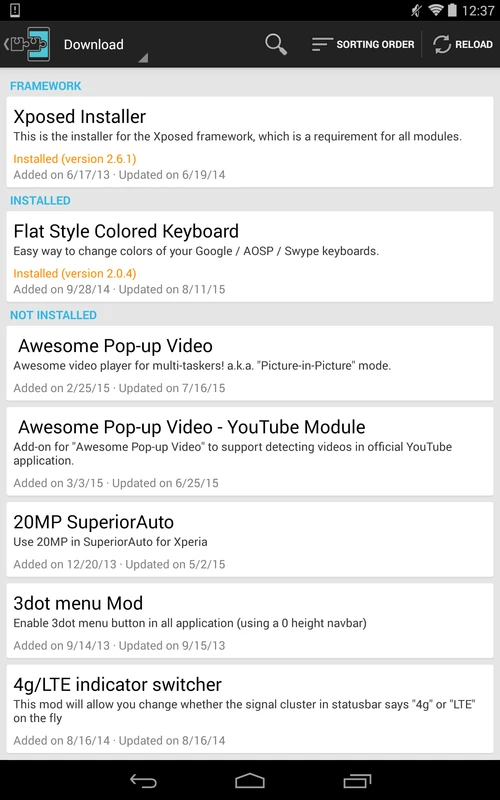

Xposed Installer is a lightweight Android utility that lets you manage Xposed Framework modules. It provides a simple interface for downloading, installing, and activating modules that can change system behaviour, UI tweaks, or add new features without flashing a custom ROM.
This page gives you the latest version (3.1.5), a quick‑look at its specs, step‑by‑step installation instructions, and practical advice on safety and troubleshooting.
Quick Information
| App/Game Name | Xposed Installer |
| Latest Version | 3.1.5 |
| Developer | Not listed |
| Category | Apps / Tools |
| App Size | 3 MB |
| Package Name | de.robv.android.xposed.installer |
| Last Updated | 16 December 2024 |
What Is Xposed Installer?
Xposed Installer acts as the front‑end for the Xposed Framework. After you have the framework installed (which requires root access), the installer lets you browse a repository of modules, enable or disable them, and view logs. It does not contain the framework itself; it merely helps you manage modules that hook into Android’s runtime.
The tool is aimed at power users who want granular control over their device without replacing the entire operating system. Because it works at the runtime level, changes can be applied and reverted without flashing a new ROM.
Compatibility
| Android Version | Not Verified |
| Architecture (ARM64 / 32-bit) | Not Verified |
| Internet Connection | ✓ Verified — May be required for ads, updates, or login |
| Storage Needed | Not Verified |
| OBB/Data Files | Not Verified |
| Root Required | ✓ Verified — This app needs root access |
How to Install
- Ensure your device is rooted. Xposed Installer cannot function on unrooted devices.
- Download the Xposed Installer APK (3.1.5, 3 MB) from a trusted source.
- Before installing, enable Install unknown apps for the file manager or browser you used.
- Tap the downloaded APK to begin the installation and follow the on‑screen prompts.
- After installation, launch Xposed Installer. It will guide you to install the Xposed Framework appropriate for your Android version.
- Reboot your device when prompted to activate the framework.
- Use the installer’s Modules tab to browse, download, and enable the modules you want.
Troubleshooting
- App not installed – Verify that unknown sources are allowed and that the APK is not corrupted.
- Crashes on launch – Ensure the device is rooted and that the Xposed Framework version matches your Android version.
- Modules not loading – Check that the framework is properly installed and that you have rebooted after enabling modules.
- Boot loops after installing a module – Boot into recovery and disable or uninstall the offending module.
- Login or online‑auth issues – Most Xposed modules work offline; if a module requires an account, verify credentials and network connectivity.
Safety & Security
Xposed Installer modifies the Android runtime, which means it can affect system stability. Only install modules from reputable sources, and always back up your data before making changes. Because the app requires root access, malicious modules could potentially gain elevated privileges. Review the permissions requested by the installer and any module you add. Keep in mind that updates to Android or the Xposed Framework may break compatibility, requiring you to reinstall or downgrade.
How Xposed Installer Compares
| Feature | Xposed Installer | Magisk | SuperSU |
|---|---|---|---|
| Price / Free model | Free | Free (open‑source) | Free (basic), paid Pro |
| Platform availability | Android (requires Xposed Framework) | Android (systemless root) | Android (root management) |
| Standout feature | Module‑based runtime hooks without flashing a ROM | Systemless root with hide feature | Simple root permission manager |
| Best for | Users who want granular UI and behaviour tweaks via modules | Users needing root with minimal system changes | Users who just need basic root permission control |
Alternatives
While Xposed Installer is popular for module management, other tools serve similar purposes:
- Magisk Manager – Provides systemless root and a module system that works without altering the boot image.
- Kernel Adiutor – Focuses on kernel tweaks and performance settings rather than UI modules.
- Lucky Patcher – Allows modification of app behavior and removal of ads, but operates differently from Xposed’s hook system.
Final Verdict
Xposed Installer is a solid choice for Android enthusiasts who want deep customization through modules, provided they are comfortable with rooting and understand the risks. It is lightweight, free, and well‑supported by a large module ecosystem. However, it requires the Xposed Framework and may not work on newer Android releases without compatible framework builds. Always back up your device and verify module sources before installing.
Frequently Asked Questions
Xposed Installer is a manager app for the Xposed Framework that lets you browse, download, and activate modules that modify Android’s behavior without flashing a new ROM.
Yes, Xposed Installer requires a rooted device because the Xposed Framework operates at the system level.
The installer itself is safe, but installing untrusted modules can pose security risks; always use reputable sources and back up your data.
Compatibility depends on the Xposed Framework build; historically it works on Android 4.0 up to Android 9.0, but newer versions may need community‑maintained builds.
Open Xposed Installer, go to the Modules tab, select a module, download it, enable it in the list, and then reboot your device.
Yes, you can uninstall the framework via recovery or the installer’s uninstall option, but it’s recommended to back up your data first.
Boot into recovery mode and disable or remove the problematic module from the Xposed Installer’s module list.
Magisk provides a systemless root and module system that works on newer Android releases and is often used as an alternative to Xposed.